Settings Sync is Built Into Visual Studio Code Now
James is a JS Developer, Keynote Speaker, and Content Creator whose passion for teaching and empowering developers has impacted hundreds of thousands of developers. With 10+ years of Software Development and Developer Advocacy experience, he brings deep technical knowledge as well as a proven ability to communicate across levels of understanding and experience to impact a broad audience of developers. In his spare time, he runs a thriving Discord community called Learn Build Teach, plays co-ed soccer with his wife, and can solve a Rubik's cube in under a minute.
Up until recently, synchronizing your settings across multiple instances of VS Code required you to download a 3rd party extension. Well, you no longer have to download a separate extension. Settings Sync is built into VS Code, and it's awesome!
Want to learn everything you need to know about VS Code? Check out the Learn VS Code course!
Setup
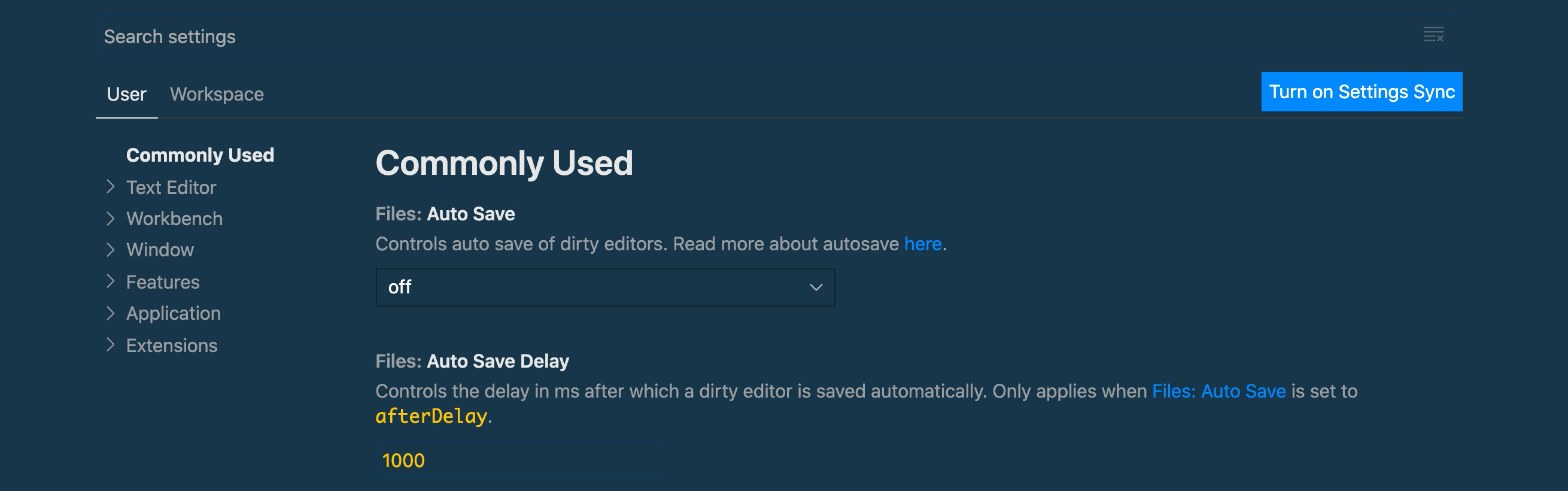
VS Code has made this process as easy as possible to set up. If you open up your settings menu, you'll now see a big button that says "Turn on Settings Sync". Click that.
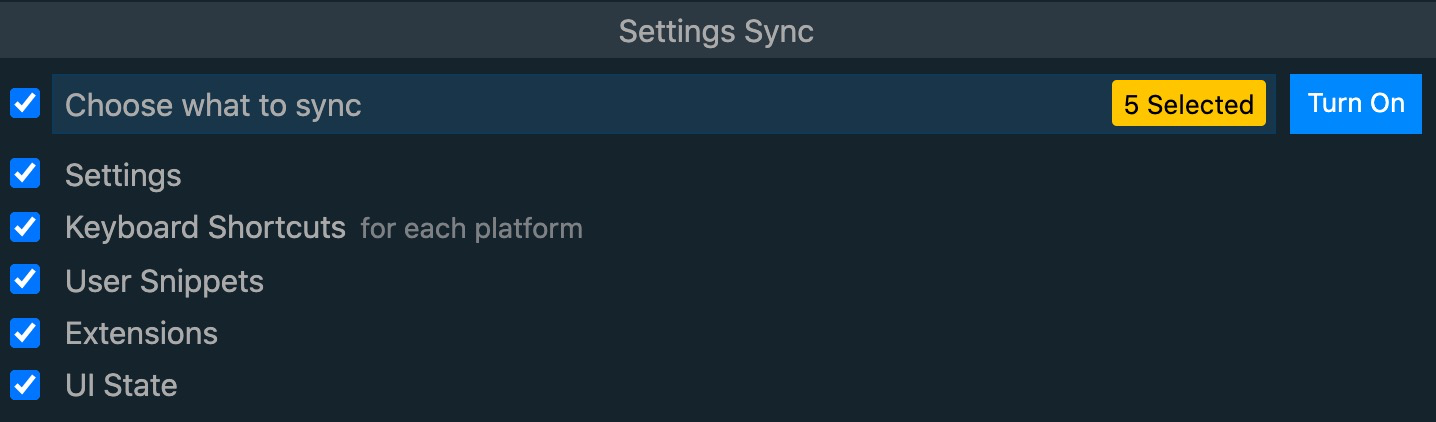
After that, you'll be prompted with what exactly you want to sync. Most likely, you'll choose to sync everything, but that's up to you.
You'll need to log in with either a Microsoft or Github. Are those one and the same now that Microsoft bought Github 🤣?

Then...BOOM! VS Code does some magic behind the scenes!
Check the Sync Details
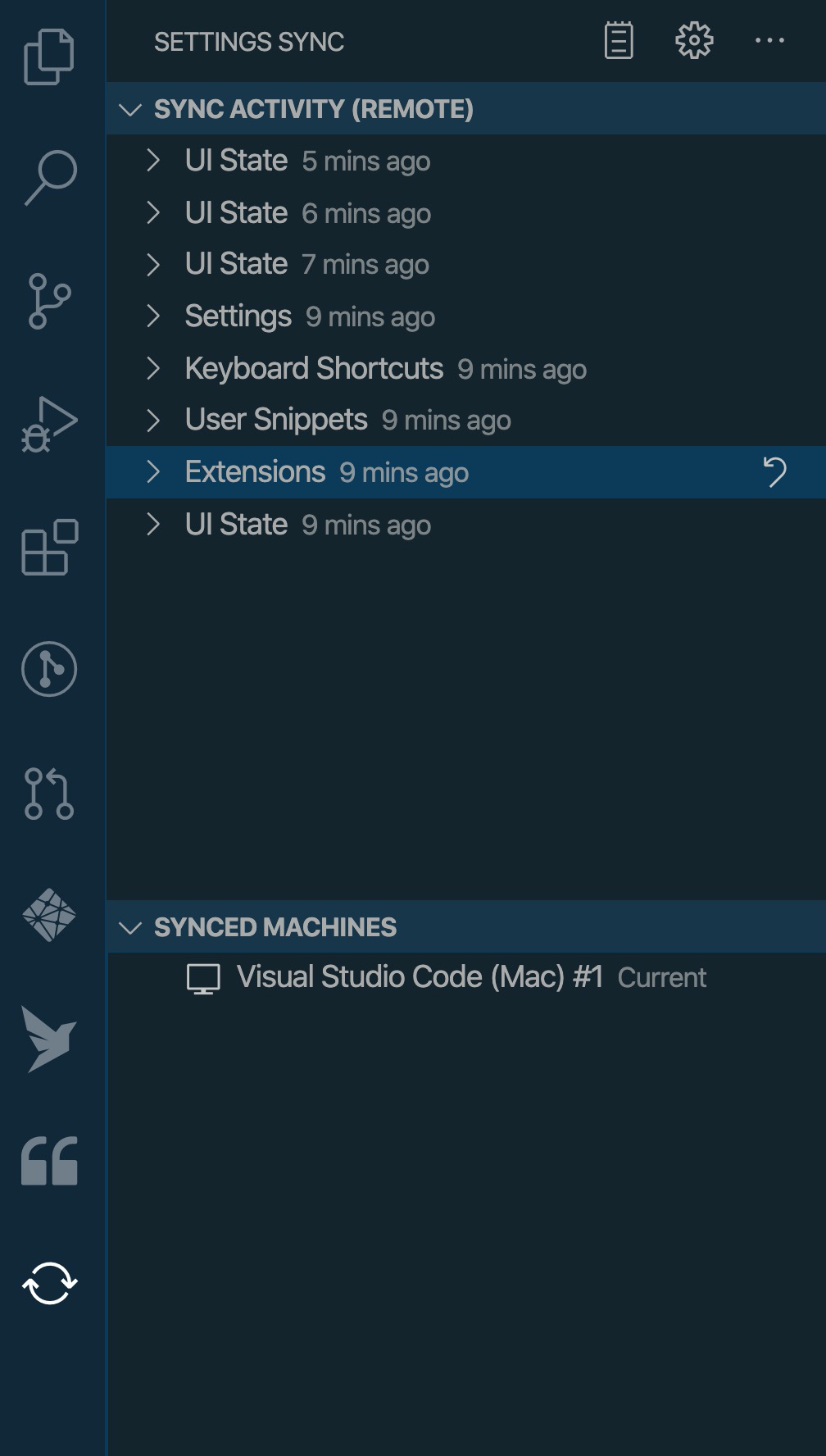
You can check the status of your latest syncs by opening the command palette and running the Settings Sync: Show Synced Data command.
Real-Time Sync
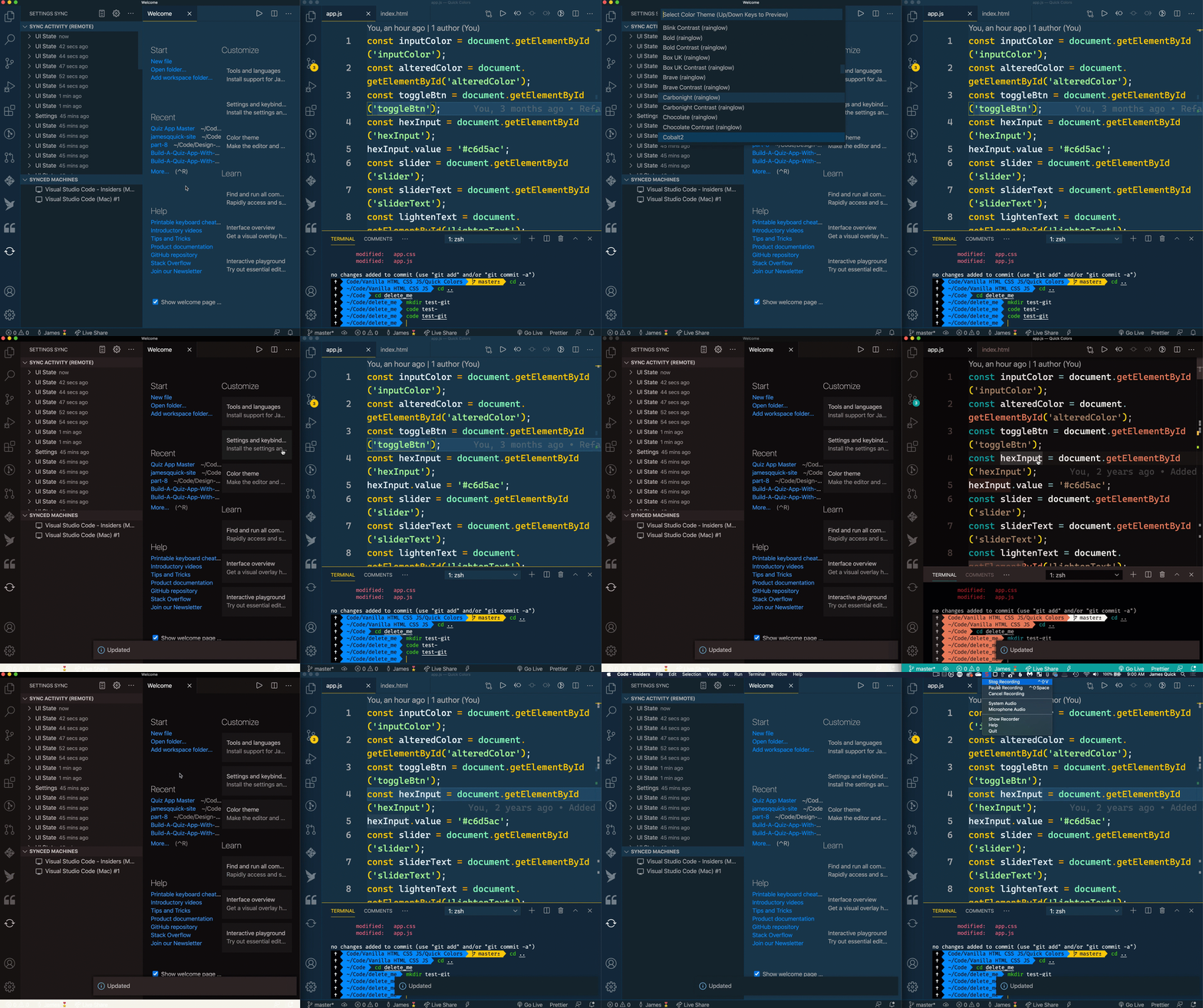
If you get this set up on two different instances of VS Code you can see that changing settings on one will update the settings on another in real-time! I tested this out by running two instances of VS Code on the same computer (one is the stable version and one is the insider's edition)